Client record
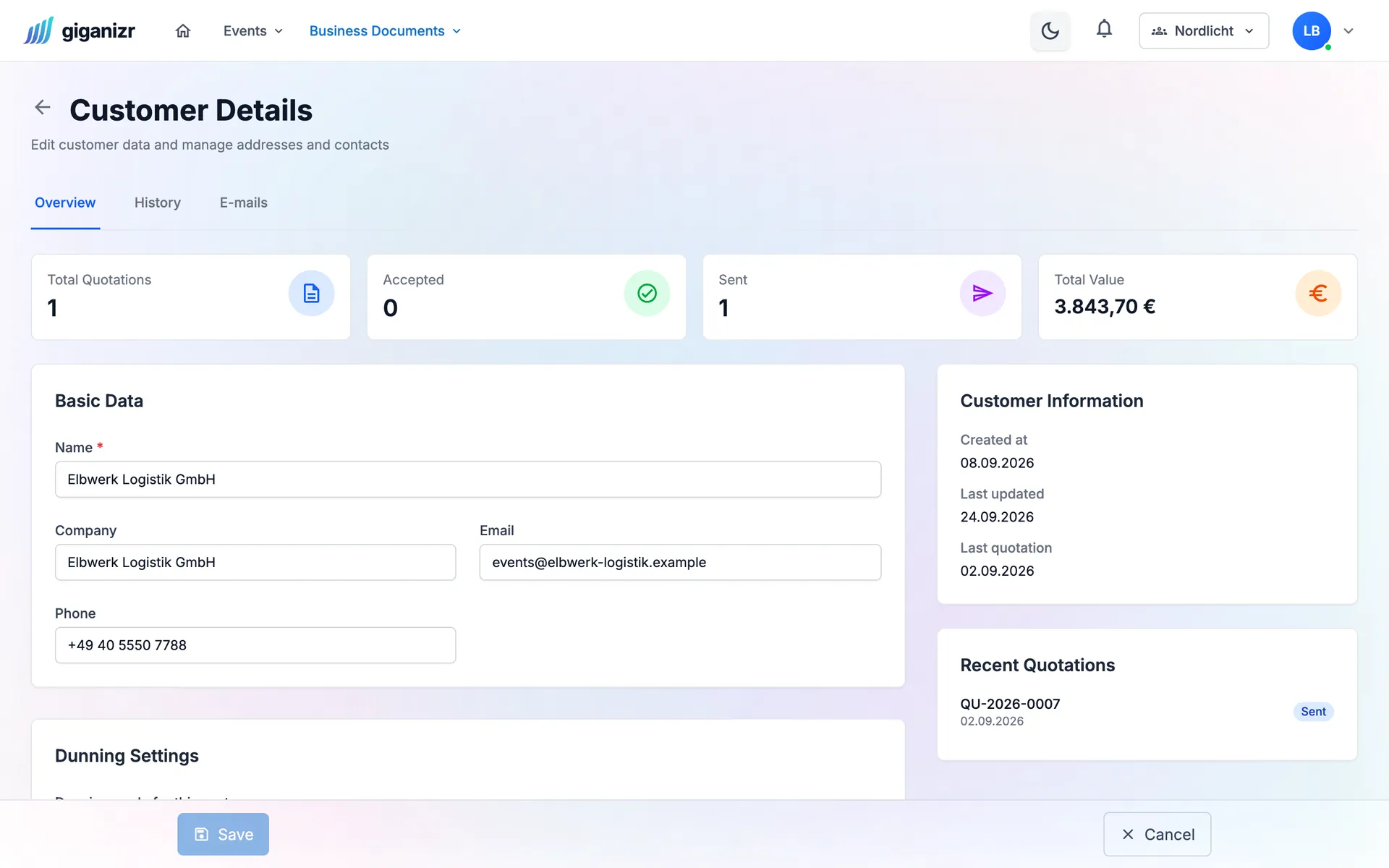
Everything about a client on one page
Contacts, addresses, quotes and invoices – plus the key numbers like total value and open quotes.
- Several contacts and addresses
- Every document for the client
- Revenue and quotes at a glance
Client management
Manage promoters, couples and companies in one place – with contacts, addresses and every quote and invoice. When they call again, you’re instantly up to speed.
Business plan · included in the 60-day trial
Try it free for 60 days · no credit card · band members free
Everything about a client in one place, even years later.
Client record
Contacts, addresses, quotes and invoices – plus the key numbers like total value and open quotes.
History
Every change to client data is recorded with person and time. You also see which emails your client received.
Contacts
Connect giganizr with Google Contacts and your clients’ contacts land in your address book. So you know who’s calling.
Email, phone, mobile, WhatsApp, Telegram and website.
Billing address and event venue stored separately.
For example “bride’s phone” or “favourite song”.
Format and routing ID are ready on the client.
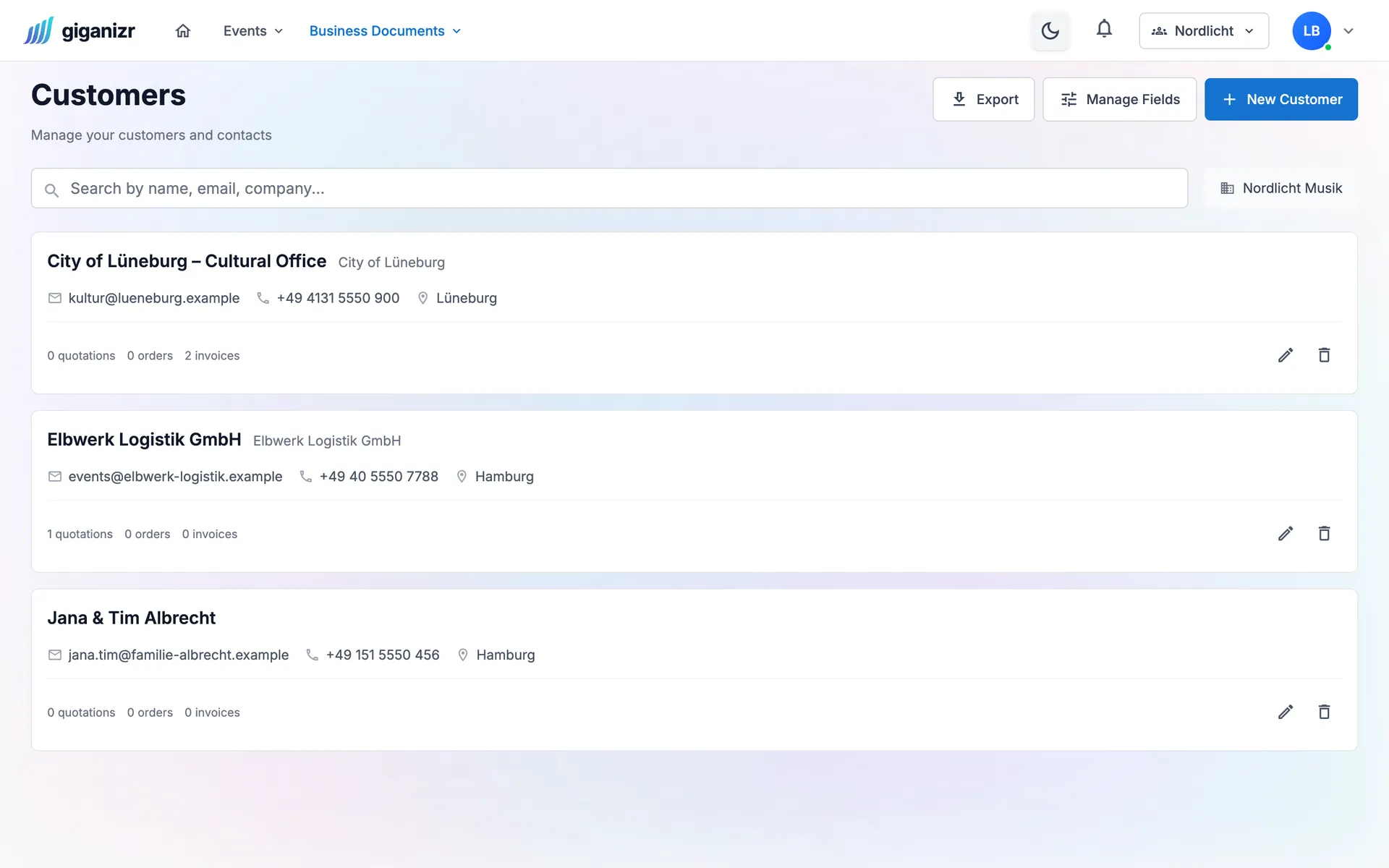
Search by name, email or company.
Download your client list as a file at any time.
Along the way, with every quote.
With the first quote or right in the client list.
Add contacts, addresses and ways to reach them.
Quotes and invoices land in the client record by themselves.
Where your clients come into play.
Short answers about your clients.
Yes, as many as you like – with salutation, position and every way to reach them.
Yes. Besides email and phone you can add mobile, WhatsApp, Telegram and website.
Yes. Every change is recorded with person, time and old and new value.
If you want, yes. Once connected, your clients’ contacts land in your Google address book.
The Business plan, together with quotes and invoices. You can try it during the free trial.
Try it for free – client management is included in the trial.
Try it free for 60 days · no credit card · band members free