mark_email_read

Emails with pro-grade statistics

Templates, queue, analytics – all included

Send documents and marketing mails with custom templates and placeholders. See who opened and clicked – without an extra tool like Mailchimp.

sentiment_dissatisfied

The problem

  • closeMailing from a private inbox – no tracking, no statistics.
  • closeCopying templates, replacing recipients by hand – every time from scratch.
  • closeWhich mail was opened? Which link clicked? Nobody knows.
verified

Our solution

  • check_circleMail settings per company with own SMTP configuration, rate limits, and default selection.
  • check_circleMail templates with variables for customer name, invoice number, and more – with visual editor.
  • check_circleSee who opened your mail and which links they clicked – with open and click rates in the dashboard.

What the mail system really does

What you actually get – not just promises.

description

Mail templates

With placeholders for customer, document, band, concert – own templates per document type.

pending_actions

Mail queue

Mails are queued, delivered, retried on failure, status visible per send.

visibility

Open statistics

As soon as the recipient opens the mail in their inbox, it's recorded automatically – you see who reacted and when.

touch_app

Click statistics

When the recipient clicks a link in your mail, it's recorded – then they seamlessly go to the actual destination.

analytics

Analytics dashboard

Open rate, click rate, average open time, trends across 7/30/90 days.

cloud_sync

Multiple mail accounts

Multiple SMTP providers in parallel, selectable per mail – test-connection function included.

send

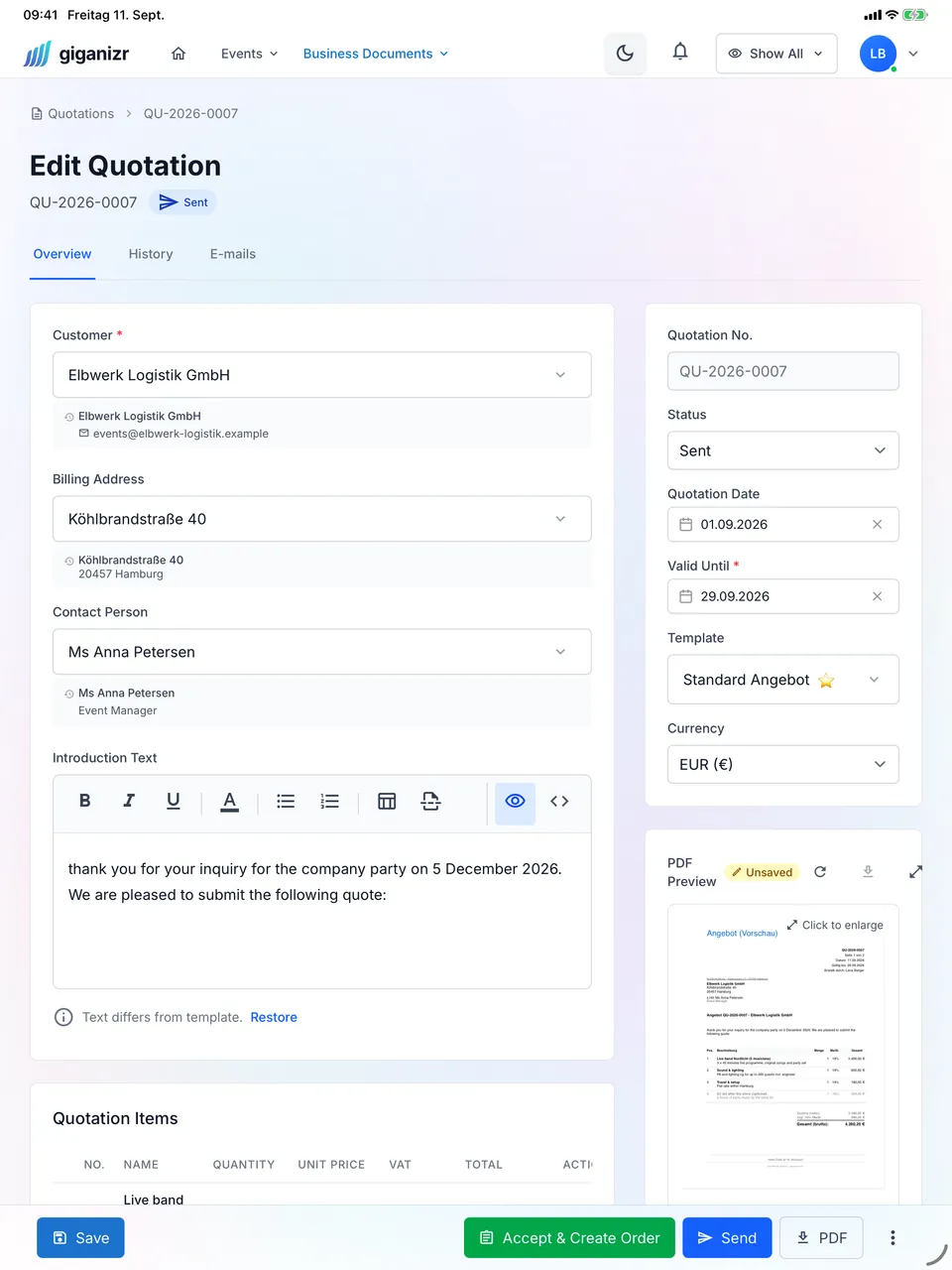
Document sending

Send quotes, orders, invoices, dunning letters straight from the app – send log documents everything.

preview

Preview before send

Check the mail preview with all placeholders filled before sending.

From template to analytics insight

Three steps to measurable mail delivery.

1
settings

Mail settings & template

Store SMTP server, run test connection, create template.

2
send

Send

Open the document modal, pick template, check preview, send.

3
analytics

Analyze

Analytics dashboard shows open rate, click rate, trends – per recipient and overall.

insights
auto_awesomeHighlight

Full tracking without third parties

No Mailchimp, no Sendgrid dashboard on the side. Open and click statistics, analytics directly in giganizr – all recipient data stays under your control.

FAQ about the email system

Answers about templates, tracking, and SMTP.

How does open statistics work?

expand_more
Every mail contains a tiny invisible image. As soon as the recipient opens the mail, the image is loaded and the open event is recorded – without a separate tool.

Is click statistics also captured for embedded links?

expand_more
Yes. At send time, all links are rewritten – as soon as the recipient clicks, it's recorded and they go directly to the actual destination.

Can I use multiple SMTP providers?

expand_more
Yes. Per company you can store multiple mail settings and pick one per send.

Are mail templates available per document type?

expand_more
Yes. Dedicated templates for quotes, orders, invoices, and dunning – with variables for all relevant data.

Can I check a mail before sending?

expand_more
Yes, the send-document modal shows a preview with all placeholders filled in.

Send your first tracked mail

Templates, queue, and analytics without third parties.