Quotes & invoices

Your quote is out before the competition replies

A gig inquiry becomes a quote on your letterhead in a few clicks. Your client accepts it online, then the order confirmation, the invoice and – if needed – the payment reminder follow.

workspace_premium Business plan · included in the 60-day trial

Try it free for 60 days · no credit card · band members free

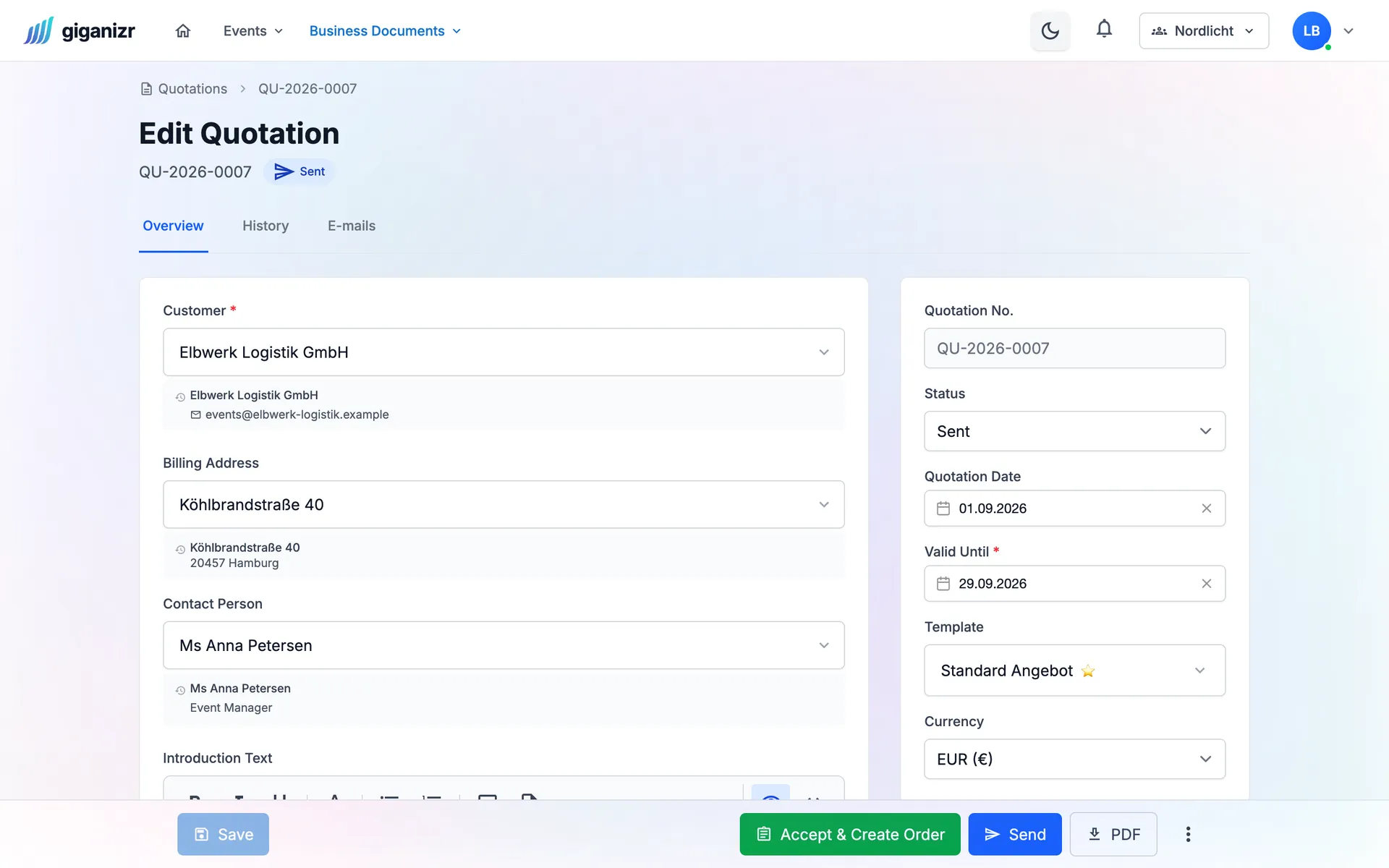
Quote with client, contact person and validity, plus buttons to send and accept
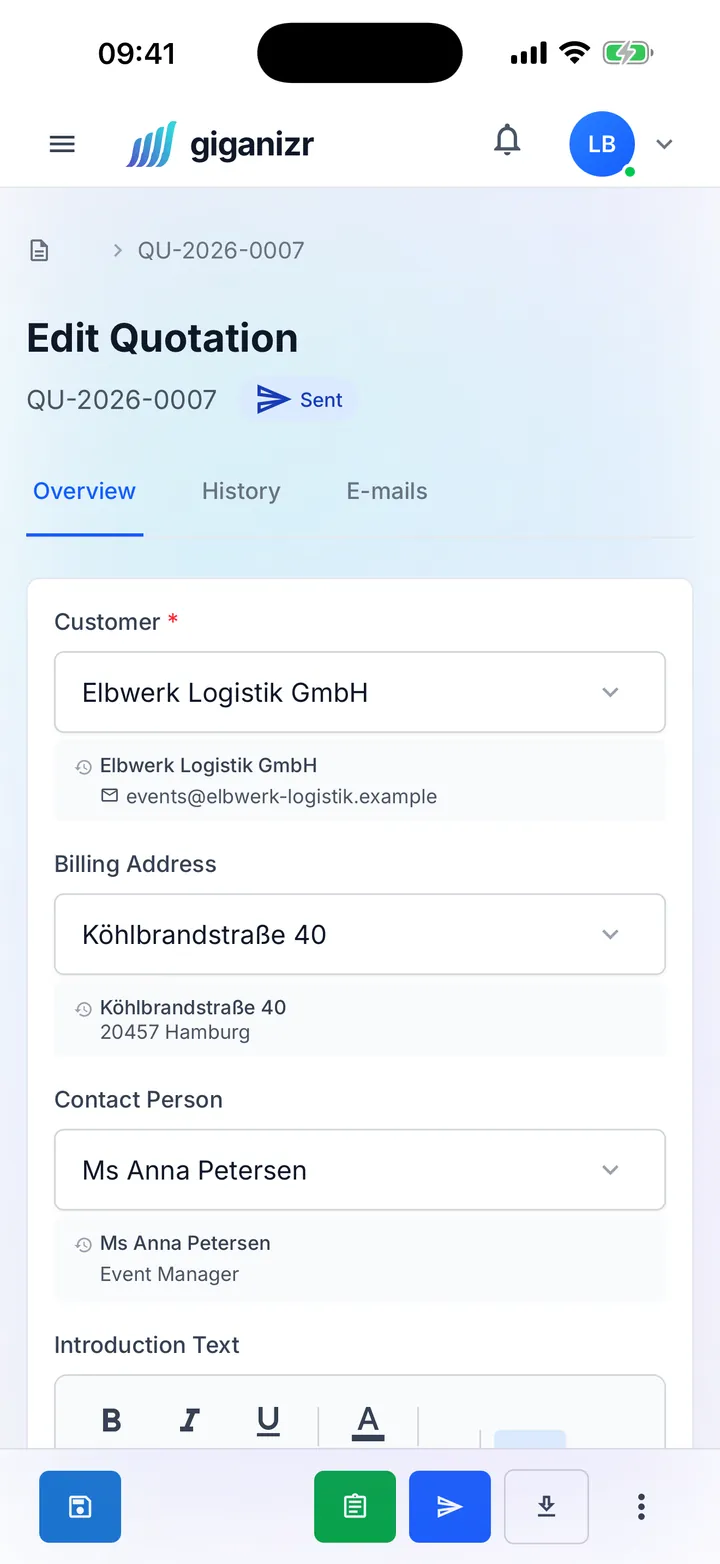
Quote on the iPhone

Your paperwork, done

So you answer inquiries faster than the other bands.

Quote

Reply professionally, in minutes

Client, line items and introduction are entered quickly, and the preview shows you instantly what the quote looks like – with your logo and letterhead.

  • Templates with your letterhead
  • Line items like fee, tech and travel
  • Optional items your client can add
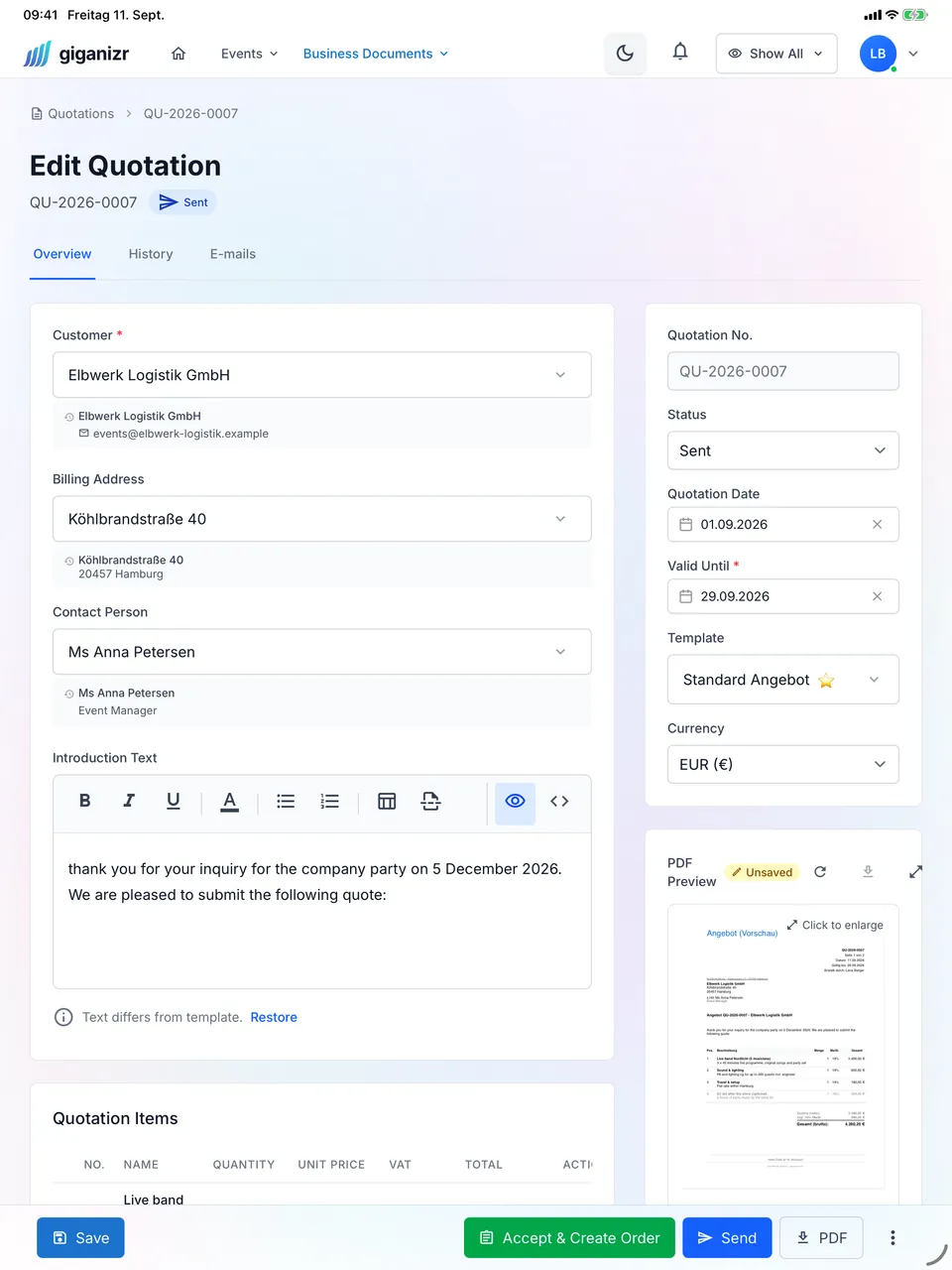
Quote on the iPad with PDF preview

Acceptance

Your client says yes online

You send the quote by email. Your client opens it via a link and accepts – without an account, and you see when and by whom.

  • Acceptance without login
  • The time of acceptance is recorded
  • One click to the order confirmation

Invoices

Invoices you don’t have to chase

The invoice comes from the order, payments are recorded with one click, and you always see what’s open or overdue.

  • Partial and final invoices, credit notes
  • Your own number sequences per document type
  • E-invoices for companies and authorities
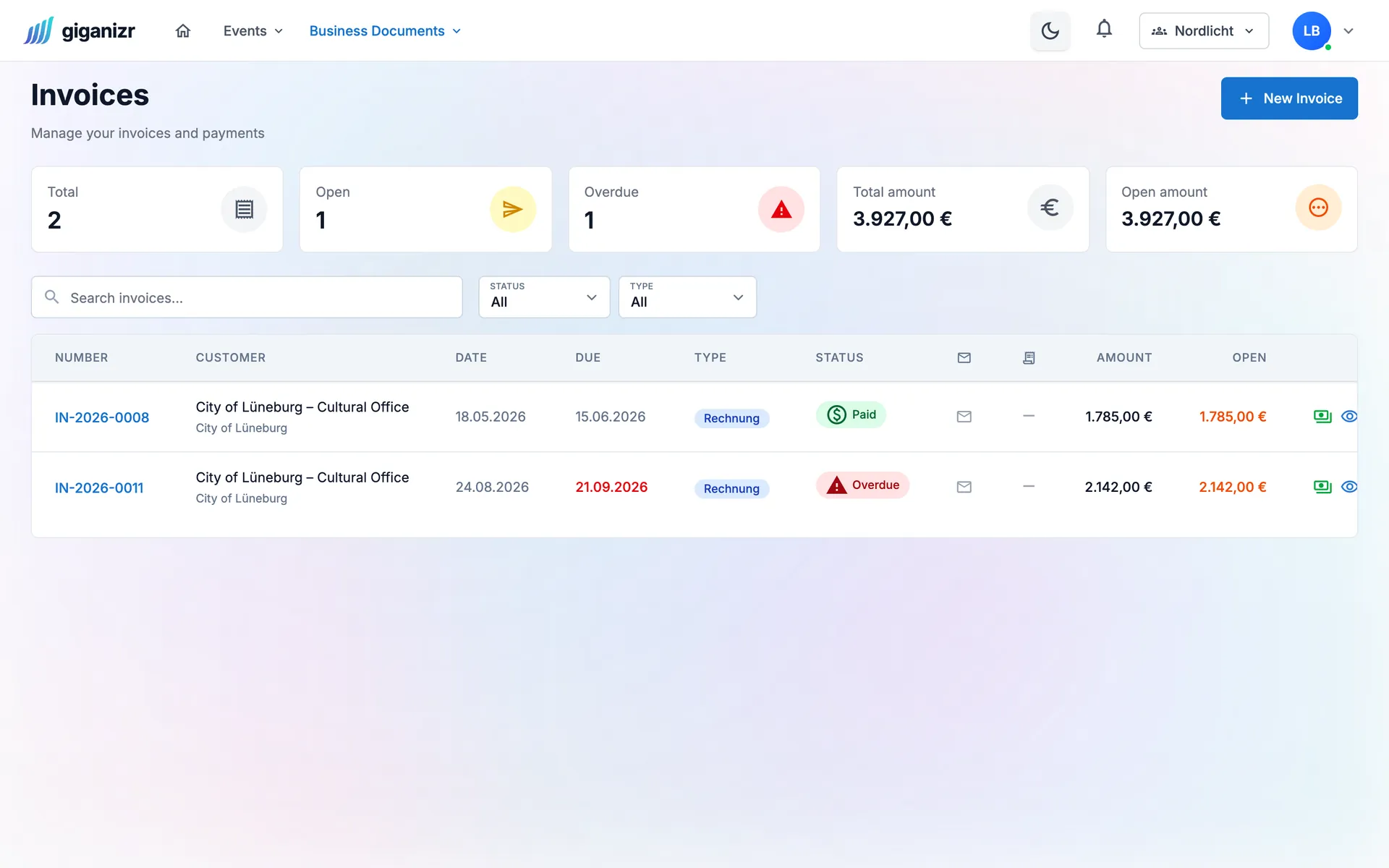
Invoice overview with one paid and one overdue invoice and the open amount

And also

  • Small-business rule

    The German § 19 VAT exemption note appears on your documents automatically.

  • Record payments

    Partial payments too – the open amount calculates itself.

  • Sent is sent

    If client data changes later, the document you sent stays as it was.

  • Send straight from giganizr

    Send by email and see whether the document was opened.

  • Order confirmation

    One click turns the accepted quote into the order.

  • Template designer

    You decide the layout, logo and text of your documents.

From quote to paid invoice

Four steps, one process.

  1. 1

    Create the quote

    Straight from the gig or from scratch – with line items, template and letterhead.

  2. 2

    Get it accepted online

    Your client gets a link and says yes without logging in.

  3. 3

    Confirm the order

    One click turns the quote into the order confirmation.

  4. 4

    Write the invoice

    Create the invoice, send it and record the payment.

Frequently asked questions about quotes and invoices

Short answers for bands that write invoices.

Can I use my own letterhead?

Yes. In the template designer you set logo, layout and text, or upload your letterhead as a PDF.

How does my client accept a quote?

They get a link by email, see the quote in the browser and accept it with one click – no account needed. giganizr records when and by whom it was accepted.

Does it work under the small-business VAT rule?

Yes. With the German small-business rule (§ 19 UStG), giganizr shows no VAT and adds the required note to your documents automatically.

Can I write partial invoices?

Yes, as well as final invoices and credit notes. Each document type has its own number sequence.

Which plan includes quotes and invoices?

The Business plan. During the free trial you can try everything before you decide.

Write your next quote with giganizr

Try it for free – quotes and invoices are included in the trial.

Try it free for 60 days · no credit card · band members free