Invite
The whole band on board in a minute
Drop an invite link into the group chat. Whoever clicks it creates an account and is in the band right away.
- Invite by link or email
- Instruments and role per member
- Members pay nothing
Band management
Invite your members by link, decide who may see and change what, and manage several bands under one roof. You pay per band, never per head.
Try it free for 60 days · no credit card · band members free
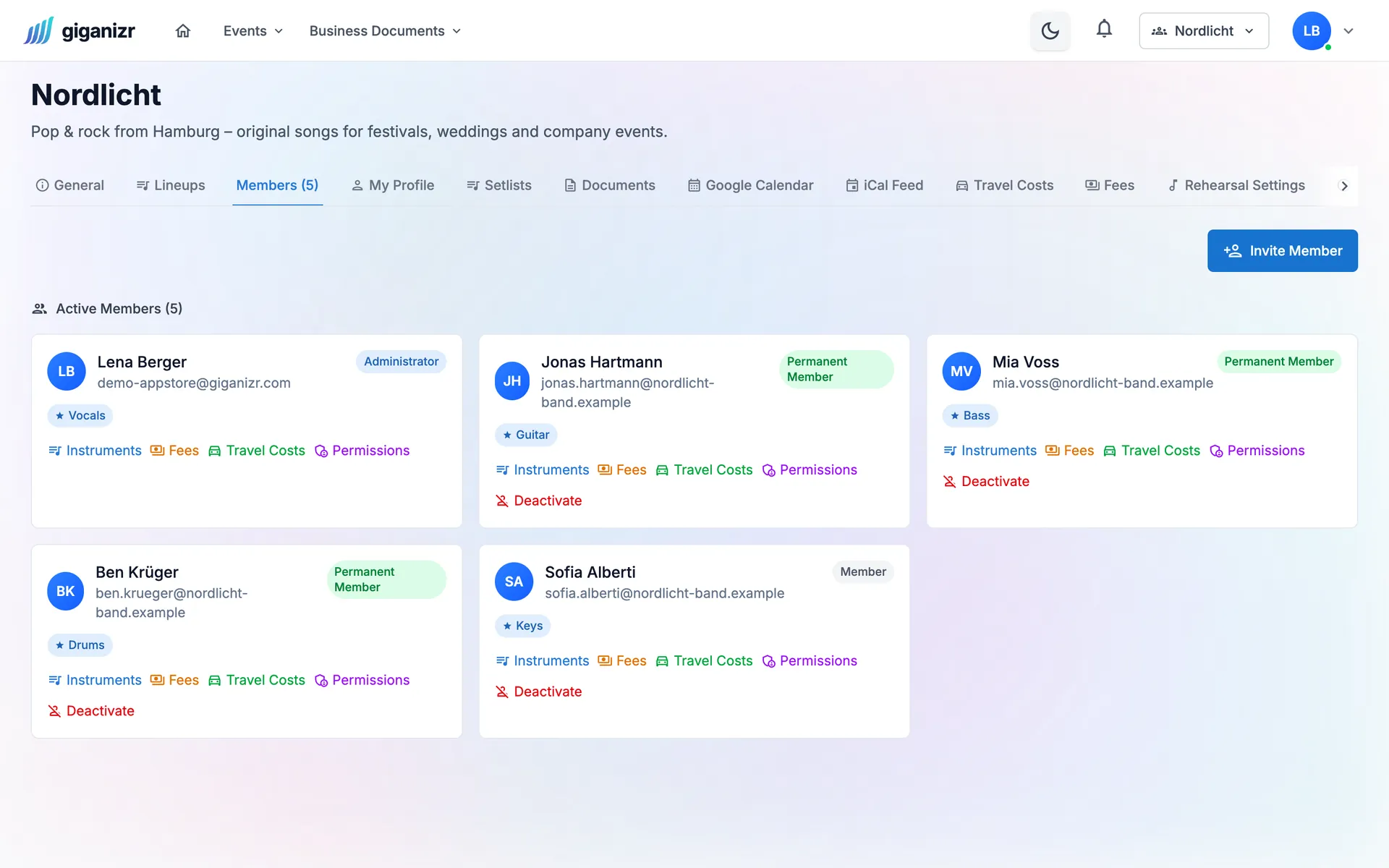
An easy start for everyone, clear rules for you.
Invite
Drop an invite link into the group chat. Whoever clicks it creates an account and is in the band right away.
Permissions
Decide who may edit songs, manage setlists or create concerts. Hide fees or client data from the band with a click.
Several bands
If you play in several bands or look after several acts, switch between them in the top bar. Songs can be shared, invoices stay separate.
Who plays what? Handy for lineups and stand-ins.
Extra details on songs, concerts and clients – with visibility per role.
Update the rider, order merch – with owner and due date.
One company can run several bands with shared templates.
Members who leave are deactivated – their history stays.
Trio or big band: you pay per band.
Three steps and you’re complete.
Name, description and – if you like – your instruments.
Share the invite link, everyone creates an account in a minute.
Assign roles and decide who sees what.
Short answers about members and bands.
No. giganizr costs per band, not per head. Your members are included for free in every plan.
Yes. Everyone has a separate membership per band with their own role and instruments, and switches between bands in the top bar.
Yes. You control field visibility per band and role – for example, only the bandleader sees the fees.
Yes, that’s the norm for music management and bandleaders with several acts. Invoices, number sequences and templates belong to the company.
By invite link or email. Whoever accepts creates an account and is in the band right away.
Start for free – your members pay nothing.
Try it free for 60 days · no credit card · band members free