Overview
See at once who still has to pay
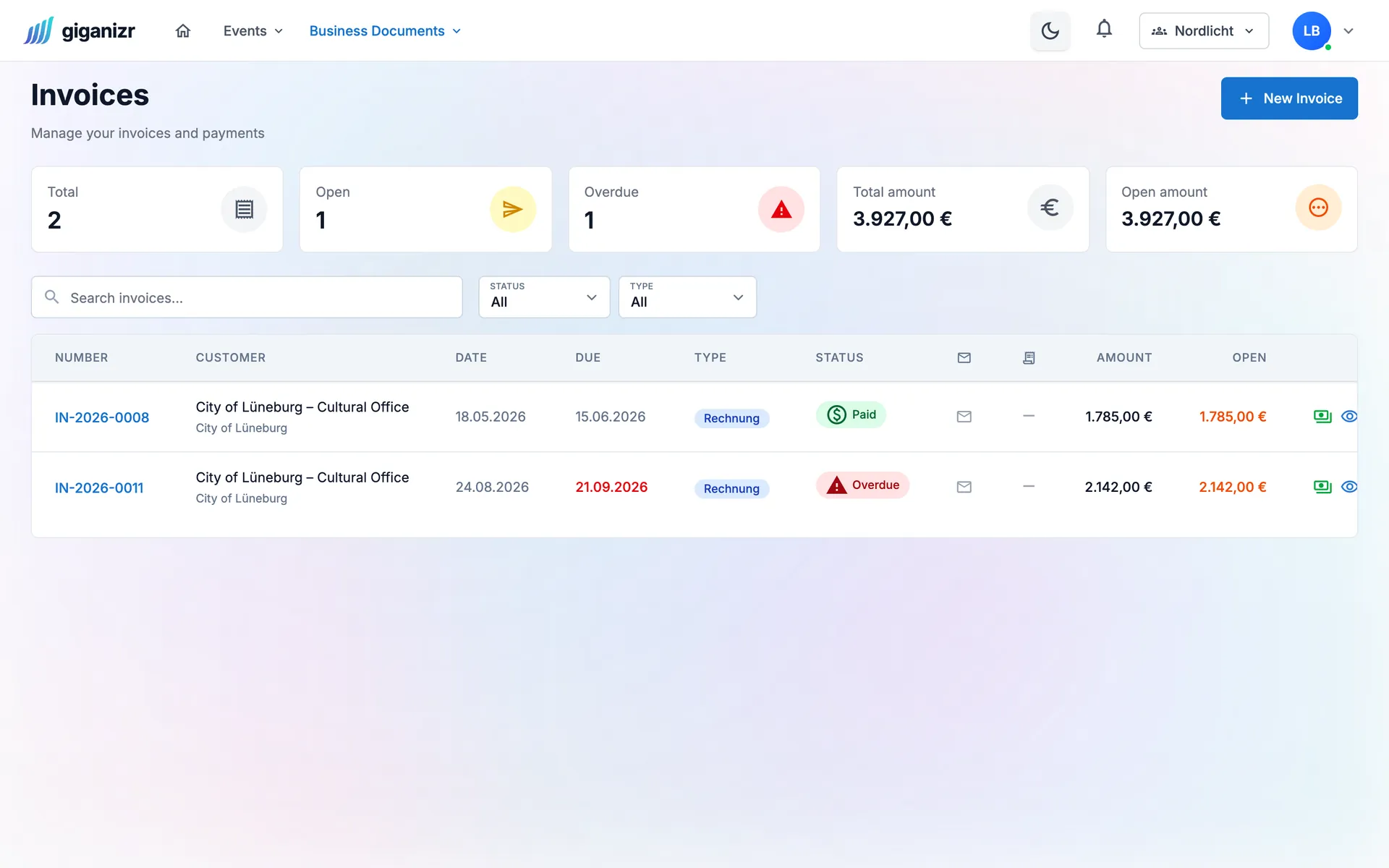
Open and overdue invoices are marked in the overview. One click starts the payment reminder.
- Overdue invoices at a glance
- Open amount per invoice and in total
- Recording a payment stops further reminders
Payment reminders
giganizr sees which invoices are overdue and reminds your clients in the stages you define – friendly first, firmer later. Fully automatic if you like.
Business plan · included in the 60-day trial
Try it free for 60 days · no credit card · band members free
Set it up once, and giganizr takes care of late payers.
Overview
Open and overdue invoices are marked in the overview. One click starts the payment reminder.
Stages
You decide how many stages there are, what each says and which fee applies. giganizr makes sure no stage is skipped.
Automatic
Set how many days after the due date the next stage follows. giganizr then sends the reminders by itself – and stops as soon as the invoice is paid.
Client, invoice number, days overdue and amount are filled in for you.
Waive the fee for a loyal client on a single reminder.
Open, sent and paid reminders plus the total amount due.
Which reminder went out when is recorded on the case.
Set reminder options directly on the client.
No second program – reminders are part of your invoices.
Set it once, then it runs.
Choose the number of stages, texts and fees.
How many days after the due date should each stage follow?
giganizr reminds automatically – until the payment arrives.
The foundation for your payment reminders.
Short answers about open invoices.
Yes. Every stage has its own text with placeholders for client data, invoice number, days overdue and amount.
Per stage as a fixed amount, a percentage or both. You can adjust the fee for an individual reminder.
Yes. You set how many days after the due date each stage follows, and giganizr sends the reminders by itself.
As soon as nothing is open any more, giganizr sends no further reminders for that invoice.
The Business plan, together with quotes, invoices and e-invoicing. You can try it during the free trial.
Try it for free – payment reminders are included in the trial.
Try it free for 60 days · no credit card · band members free